Canvas-first editing
Create tables, add columns, edit names and types inline, and connect relationships from the canvas.
ERD Studio is a DBML-first visual ERD workspace for teams that need readable diagrams, source-aware editing, local storage, export, and read-only sharing in one browser tool.
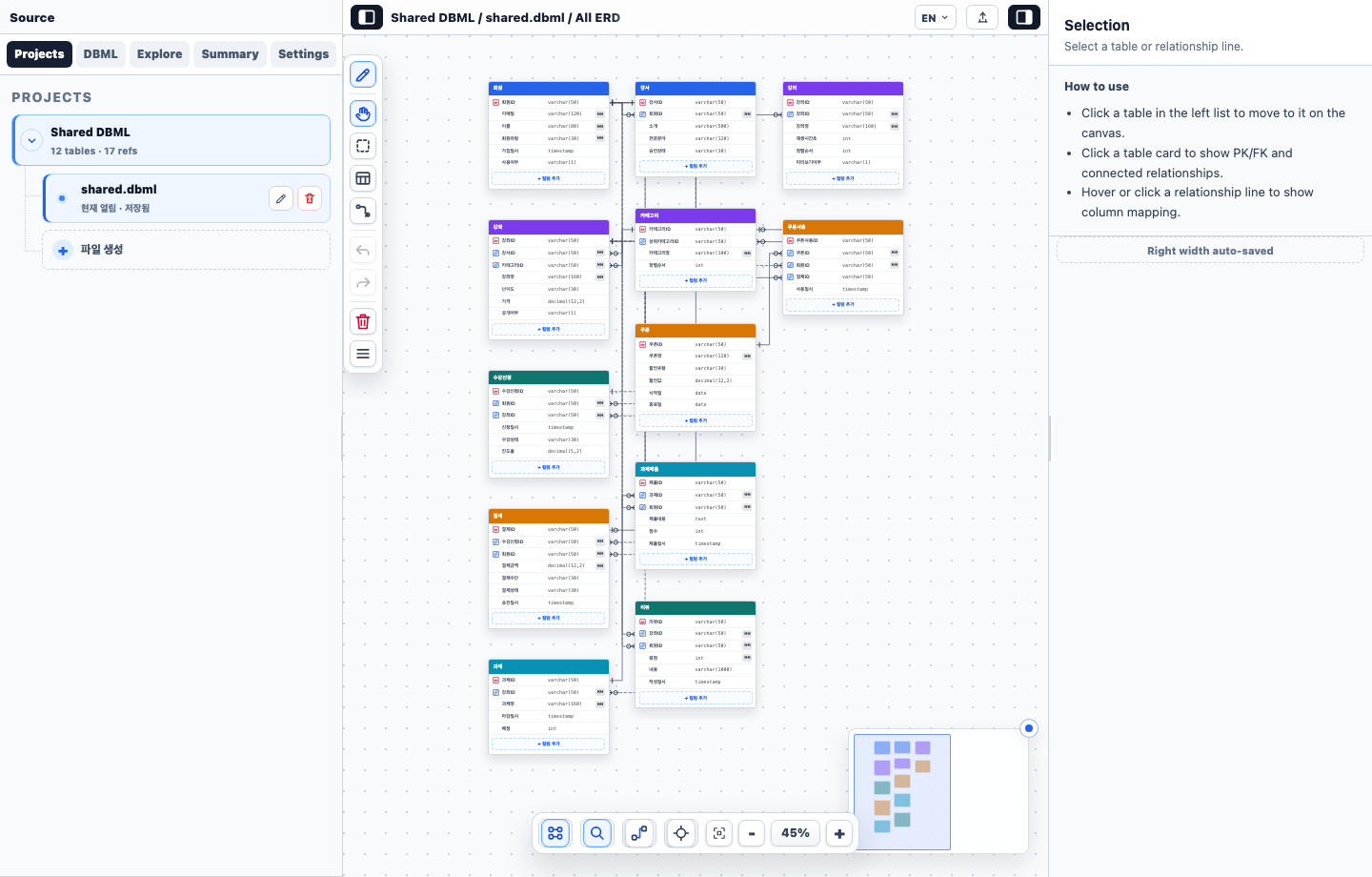
Create tables, add columns, edit names and types inline, and connect relationships from the canvas.
TableGroup colors are visible in table headers, docs, minimap, and category settings.
Keep DBML as the source of truth while still giving users visual controls for common edits.
Keep DBML readable, editable, exportable, and ready to review without losing source control habits.
Use category colors and simple relationship views to discuss schema structure without opening database tools.
Open read-only shares, inspect relationships, and compare structure before changes reach implementation.
Open a project or create a blank DBML file without leaving the browser.
Use category colors to keep large ERDs readable at a glance.
Edit tables, columns, relationships, and DBML from the same workspace.
Create source-only share links that recalculate layout per viewer.